You can do this yourself, inside the game, and it does not need us.
WHERE IT IS
Open Settings from t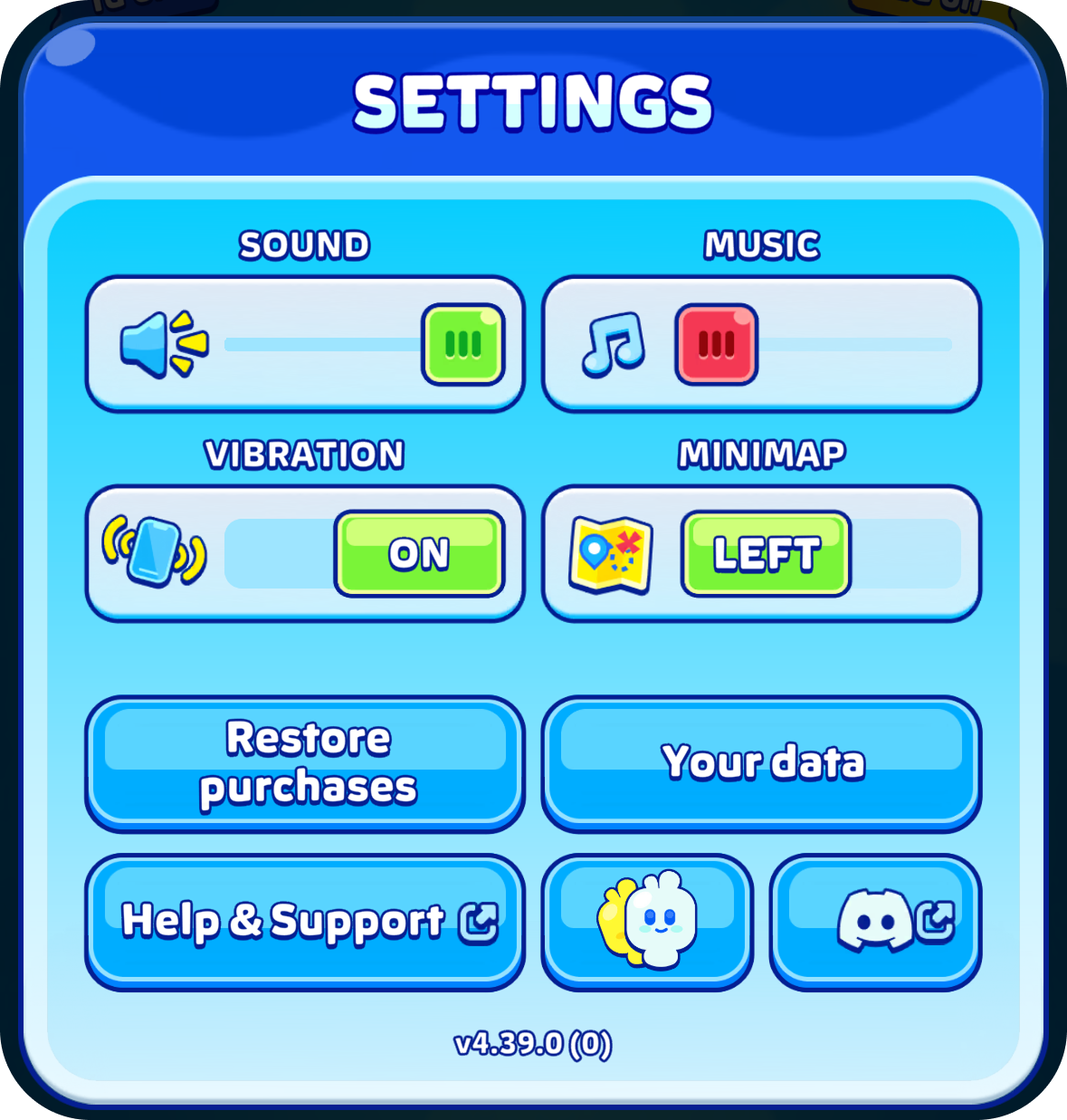 he home screen, and look in the data section near the bottom.
WHAT IT DOES
It removes your account on our side and everything stored on your phone, resets your character to the default one, and reopens the game as if it were newly installed.
There is no partial version. It is all of it or none of it, no copy is kept, and it cannot be undone, including by us.
It needs a connection. If you are offline the game will say so, and if it does not go through, try again a little later.
BEFORE YOU DO IT
If there is any chance you will come back to the game, sign in and keep your save instead. Deleting is permanent, and players who expected to keep their skins are usually surprised.
YOUR PURCHASES
No Ads is held by Apple or Google against the account that paid for it, not by your game data, so deleting your data does not refund it.
Was this article helpful?
That’s Great!
Thank you for your feedback
Sorry! We couldn't be helpful
Thank you for your feedback
Feedback sent
We appreciate your effort and will try to fix the article