Signing in is the only thing that keeps your progress safe, and it takes less than a minute.
HOW TO SIGN IN
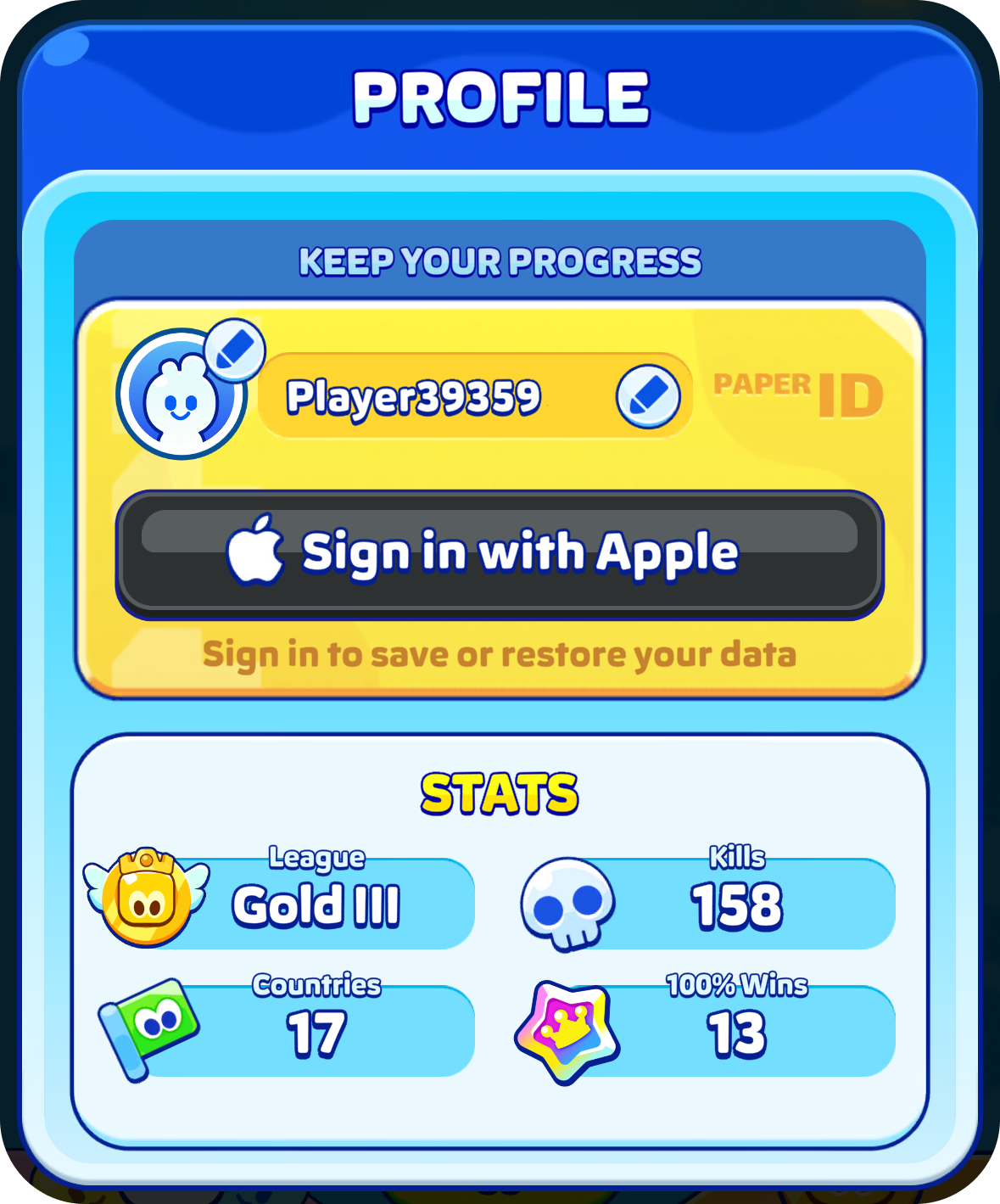
- Open Profile, the icon at the top left of the home screen
- Tap the sign in button
- Confirm with your account
You will only ever see one button, so there is no choice to make. From then on your progress is kept safe automatically, and there is no password to remember.
IF YOU HAVE NEVER SIGNED IN
Your progress exists only on the phone you are playing on. If that phone is lost, broken or reset, or the game is deleted, your progress goes with it and there is no copy anywhere for us to find.
This is the single most common thing that goes wrong, and signing in prevents almost all of it. If you read one article here, make it this one.
GAME CENTER IS NOT THE SAME THING
On iPhone and iPad, being signed in to Game Center does not save your Paper.io 2 progress. Only the sign in inside Profile does that. If you have been relying on Game Center, open Profile and sign in there as well.
GOOD TO KNOW
- Your progress stays on one platform. An iPhone save stays on iPhone, an Android save stays on Android, and there is no way to move between the two.
- Purchases follow the same account as your progress, so you cannot keep progress on one account and buy from another.
Was this article helpful?
That’s Great!
Thank you for your feedback
Sorry! We couldn't be helpful
Thank you for your feedback
Feedback sent
We appreciate your effort and will try to fix the article