Here is how to bring your progress to a new device.
BEFORE YOU SWITCH, ON YOUR OLD PHONE
- Open Settings and make sure you are signed in with Apple or Google
- Play one run so your latest progress is saved
If you are not signed in on the old device, do it before you stop using it. We cannot recover a save that was never backed up.
ON YOUR NEW PHONE
- Install Paper.io 2 from the App Store or Play Store
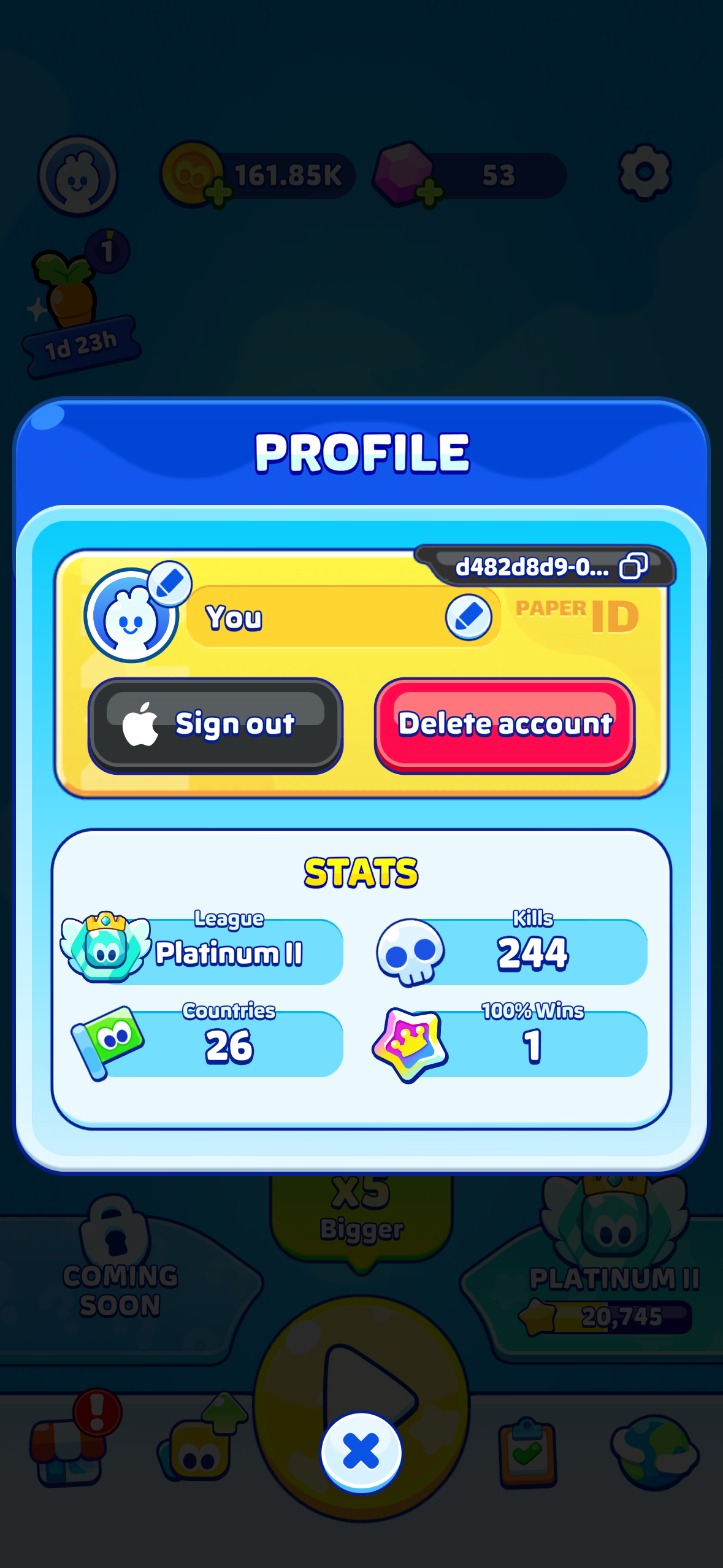
- Open Profile → Sign in with the same account you used before
- When asked, select your saved game to load it
Your countries, skins and currencies will be back.
ONE IMPORTANT LIMIT
Progress is tied to your platform: iOS saves stay on iOS, and Android saves stay on Android. Progress cannot be transferred between the two.
SOMETHING MISSING AFTER THE MOVE?
Contact us from the game (Settings → Help & Support) on your new phone. Your player ID is attached automatically, which helps us find your save quickly.
Was this article helpful?
That’s Great!
Thank you for your feedback
Sorry! We couldn't be helpful
Thank you for your feedback
Feedback sent
We appreciate your effort and will try to fix the article