In most cases, your progress can be recovered. Here is what to check.
TRY THIS FIRST
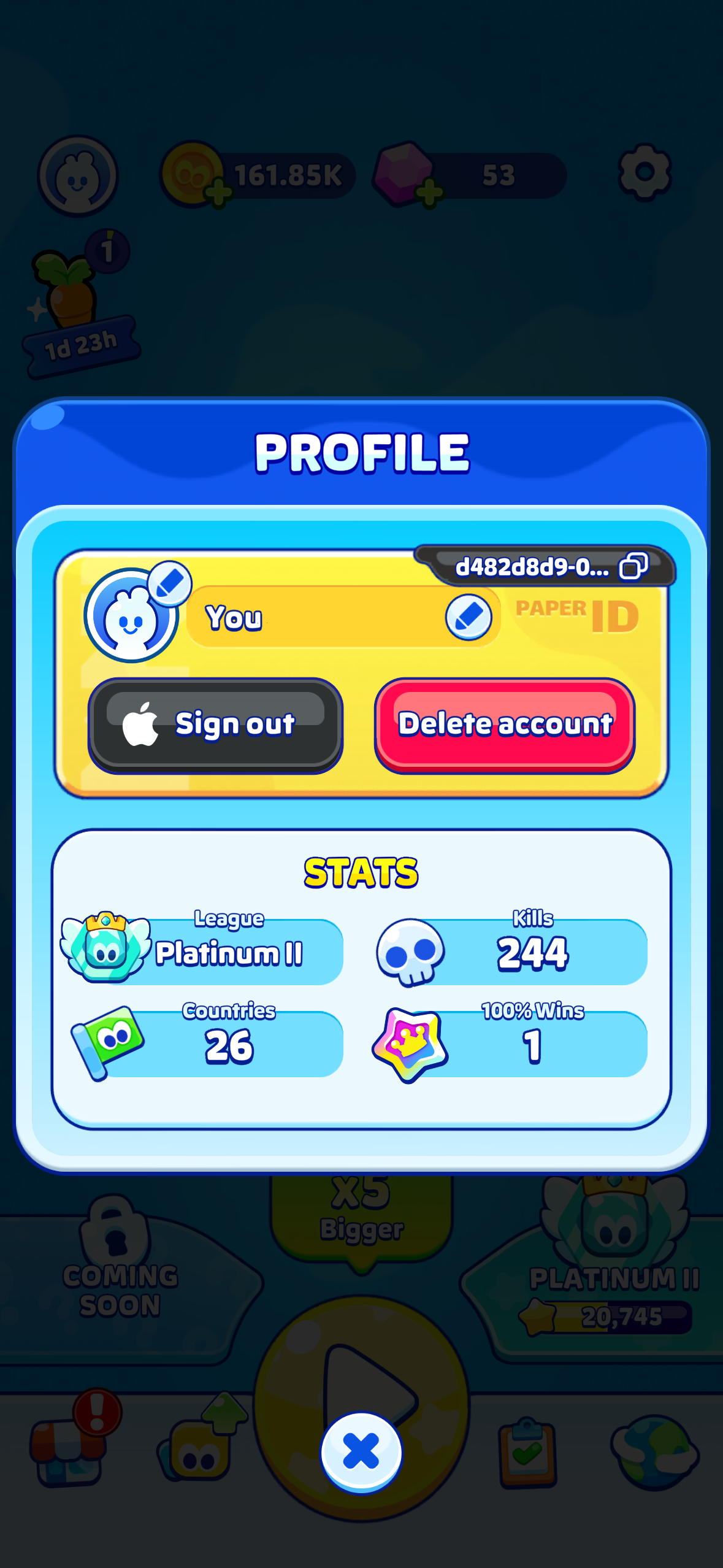
- Open Profile (top left icon on the home screen)
- Make sure you are signed in with the same Apple or Google account you used before
- If you just signed in, the game will offer you a choice of saved games. Select the one with your progress.
- Restart the game
WHY THIS HAPPENS
- The game was reinstalled. Deleting the game deletes the local save. Only a signed-in save survives.
- You switched devices without signing in on the old one.
- You signed in with a different account than last time. It is worth checking both.
- You switched between iOS and Android. Saves cannot cross platforms, so a fresh start on the other platform is expected.
The game keeps your two most recent sign-ins. Signing in regularly with the same account is the best protection.
STILL MISSING?
Contact us from the game (Settings → Help & Support) rather than from this website if you can. That way your player ID and device information are attached automatically, and we can search for your save right away. Tell us roughly when you last played and what your progress looked like, for example countries completed or skins unlocked.
Was this article helpful?
That’s Great!
Thank you for your feedback
Sorry! We couldn't be helpful
Thank you for your feedback
Feedback sent
We appreciate your effort and will try to fix the article