Both are changed in the same place, in Profile.
YOUR PICTURE
- Open Profile, the icon at the top left of the home screen
- Tap your profile picture
- Choose a picture, adjust the framing, and save
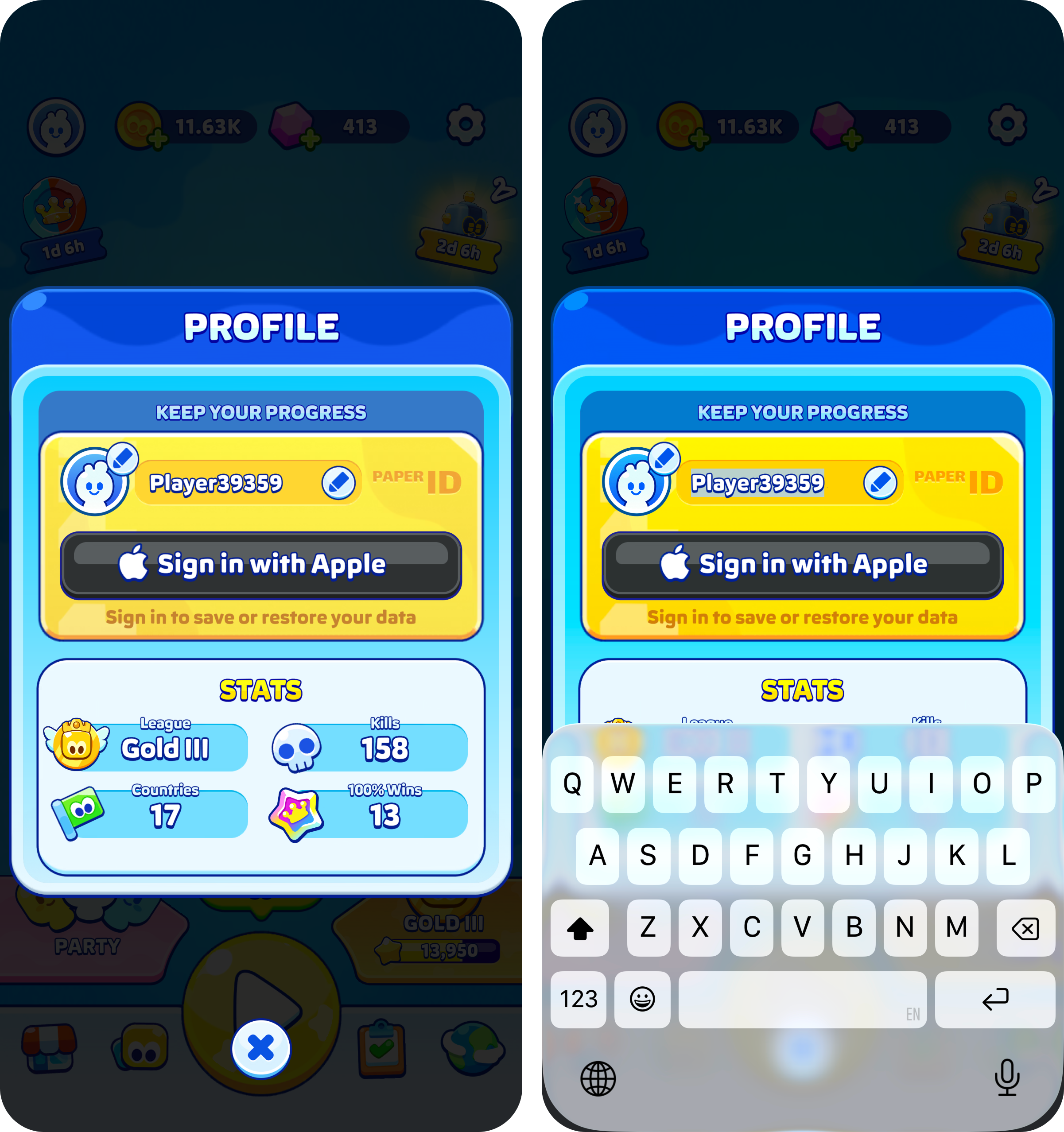
YOUR NAME
Your name is changed in the same Profile screen. You can use letters, numbers, spaces and the characters . _ - ! ? and alphabets other than the Latin one work too.
Coloured or decorated names are not possible, and a name left blank will not save.
Was this article helpful?
That’s Great!
Thank you for your feedback
Sorry! We couldn't be helpful
Thank you for your feedback
Feedback sent
We appreciate your effort and will try to fix the article