Your data belongs to you. If you would like it deleted, we will take care of it. Here is what to know first.
WHAT DELETION MEANS
Deleting your data permanently removes your game progress, unlocks and profile from our servers. This cannot be undone.
HOW TO REQUEST DELETION
- Contact us from the game: Settings → Help & Support. This attaches your player ID automatically, so we delete the right data.
- Choose the account or privacy topic and ask for data deletion
- We will confirm once it is done
If you can no longer access the game, you can also submit a request from the Contact Support page on this webs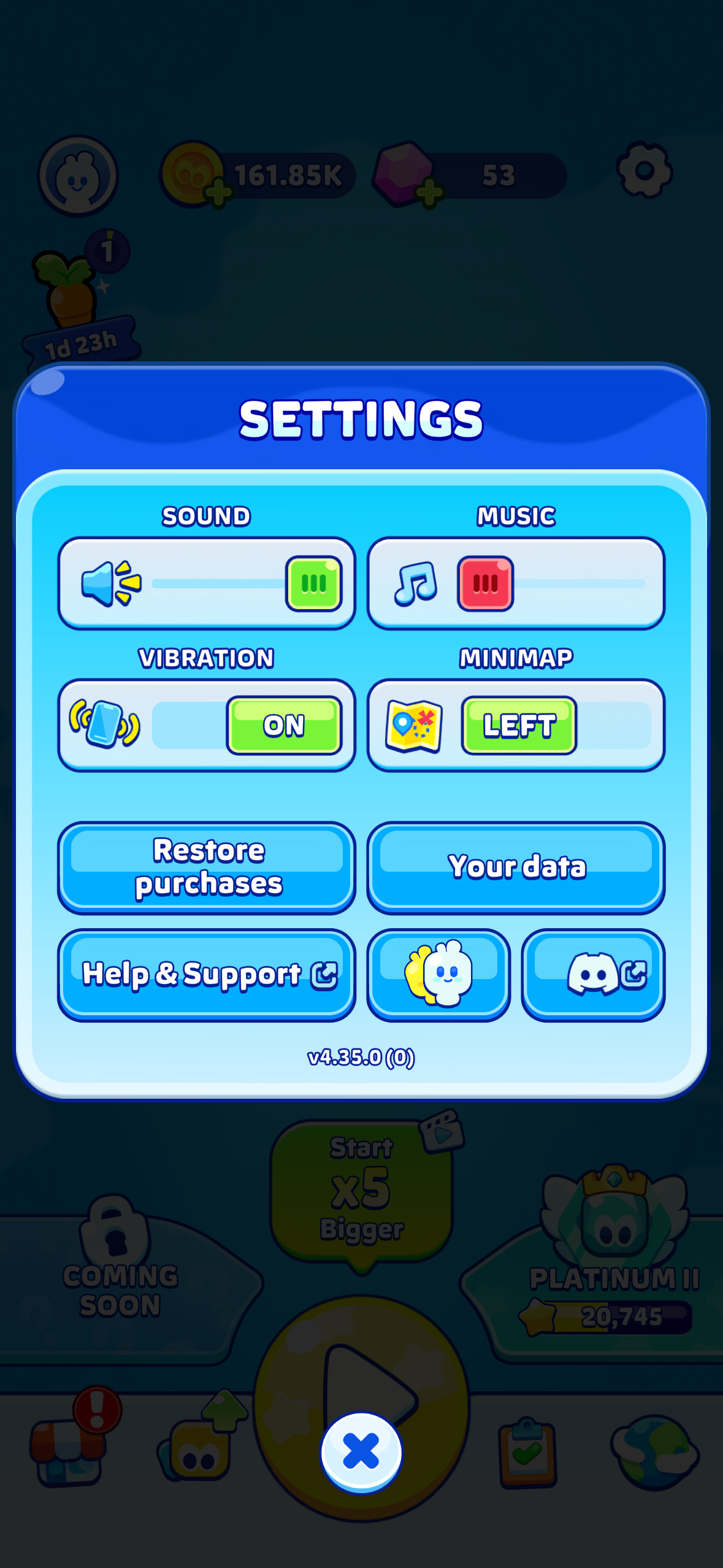 ite. Include your player ID if you know it.
GOOD TO KNOW
- Deletion is permanent. If there is any chance you will come back to the game, sign in and keep your save instead.
- The No Ads purchase is tied to your Apple or Google account, not your game data. See our refund article if needed.
Was this article helpful?
That’s Great!
Thank you for your feedback
Sorry! We couldn't be helpful
Thank you for your feedback
Feedback sent
We appreciate your effort and will try to fix the article